Notion Custom Date Formats

Free Notion Date & Time Formula Templates

Copy and paste these Notion date formulas to customize your Notion databases. All the formulas below are based on the Date property.

1. Show Weekday (Mon)

1 Notion date time formula show weekday example

Copy the formula:

formatDate(prop("Date"), "ddd")

2. Show Weekday (Monday)

2 Notion date time formula show weekday name in full

Copy the formula:

formatDate(prop("Date"), "dddd")

Featured: Notion Template for Life Tracking

Apply these progress bar formulas inside a complete Life Tracking Dashboard.


If you want a ready-made system where your goals, habits, routines, tasks, and reflections all automatically sync with your progress bars… you’ll love my Ultimate Notion Life Planner Template

3. Show Month (Jan)

3 Notion date time formula show month

Copy the formula:

formatDate(prop("Date"), "MMM")

4. Show Month (January)

4 Notion date time formula show month title in full

Copy the formula:

formatDate(prop("Date"), "MMMM")

5. Show Year (2030)

5 Notion date time formula find the year based on date

Copy the formula:

formatDate(prop("Date"), "YYYY")

6. Show Week Number

6 Notion date time formula show week number based on date property

Copy the formula:

formatDate(prop("Date"), "W")

To display the label:

"Week " + formatDate(prop("Date"), "W")

7. Show Month Number

7 Notion date time formula show month number based on date property

Copy the formula:

formatDate(prop("Date"), "M")

To display the label:

"Month " + formatDate(prop("Date"), "M")

8. Show Quarter Number

8 Notion date time formula show quarter number based on date property

Copy the formula:

formatDate(prop("Date"), "Q")

To display the label:

"Quarter " + formatDate(prop("Date"), "Q")

9. Format Date (Mon, Jan 1st, 2030)

9 Notion date time formula custom date with weekday and 1st 2nd 3rd 4th

Copy the formula:

formatDate(prop("Date"), "ddd, MMM Do YYYY")

10. Format Date (Month/Date/Year)

10 Notion date time formula custom date minimal slash

Copy the formula:

formatDate(prop("Date"), "MM/DD/YYYY")

11. Format Date (Date-Month-Year)

11 Notion date time formula custom date dd-mm

Copy the formula:

formatDate(prop("Date"), "DD-MM-YYYY")

12. Show Month & Date

12 Notion date time formula custom show month and date

Copy the formula:

formatDate(prop("Date"), "MMM DD")

13. Show Month and Year

13 Notion date time formula custom show month and year

Copy the formula:

formatDate(prop("Date"), "MMM YYYY")

14. Show Current Date & Time

14 Notion date time formula custom show current day date time and hour AM PM

Copy the formula:

formatDate(now(), "ddd, MMM DD, YYYY HH:mm A")

15. Show Morning/Afternoon Based On Time

15 Notion date time formula custom show morning afternoon evening night

Copy the formula:

if(hour(prop("Date")) < 12, "Morning", if(hour(prop("Date")) < 17, "Afternoon", if(hour(prop("Date")) < 20, "Evening", "Night")))

16. Show Weekday Passed Percentage

16 Notion date time formula display weekday elapsed percentage

Copy the formula:

format(round((toNumber(formatDate(prop("Date"), "d")) / 6) * 100)) + "%"

17. Show Current Weekday In a Week

17 Notion date time formula custom show what day is today based on date

Copy the formula:

if(formatDate(prop("Date"), "d") == "0", "<S> M T W T F S", if(formatDate(prop("Date"), "d") == "1", "S <M> T W T F S", if(formatDate(prop("Date"), "d") == "2", "S M <T> W T F S", if(formatDate(prop("Date"), "d") == "3", "S M T <W> T F S", if(formatDate(prop("Date"), "d") == "4", "S M T W <T> F S", if(formatDate(prop("Date"), "d") == "5", "S M T W T <F> S", "S M T W T F <S>"))))))

18. Show Early, Mid or Late Week

18 Notion date time formula custom show early week mid week late week

Copy the formula:

if(toNumber(formatDate(prop("Date"), "d")) <= 2, "Early Week", if(toNumber(formatDate(prop("Date"), "d")) <= 4, "Mid Week", "Late Week"))

19. Show Weekday or Weekend

19 Notion date time formula custom weekday or weekend based on day

If your Week Start Day is Sunday

if(toNumber(formatDate(prop("Date"), "d")) == 0 or toNumber(formatDate(prop("Date"), "d")) == 6, "[Weekend]", "Weekday")

If your Week Start Day is Monday

if(toNumber(formatDate(prop("Date"), "d")) == 5 or toNumber(formatDate(prop("Date"), "d")) == 6, "[Weekend]", "Weekday")
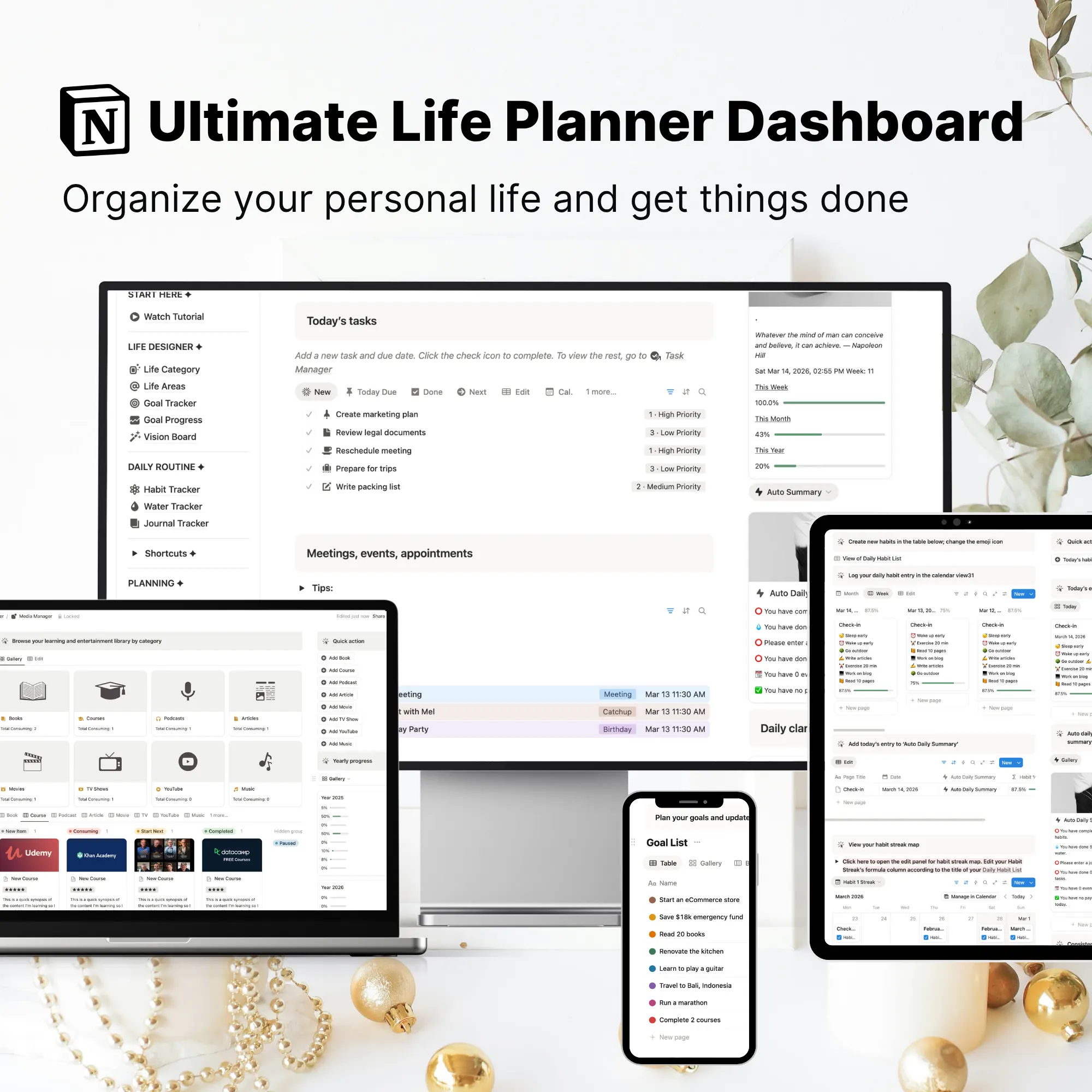
Featured: Notion Template for Life Tracking

Apply these progress bar formulas inside a complete Life Tracking Dashboard.


If you want a ready-made system where your goals, habits, routines, tasks, and reflections all automatically sync with your progress bars… you’ll love my Ultimate Notion Life Planner Template
