

This template is built-in inside the all-in-one Notion personal finance system. Get the full template →
Easily create a personal budget in Notion that tracks every dollar. Plan and manage all your Needs, Wants, Savings, and Debt in one simple dashboard.
How It Works
Plan smarter, track every dollar, and stay on budget with an all-in-one Notion Budgeting Planner Template with Dashboard, a powerful companion inside the Ultimate Notion Finance Template.
This Notion Budgeting Template helps you:
It’s a ready-to-use system inside the Ultimate Notion Finance Template — so you can start managing your money today without building anything from scratch.
This budgeting system is perfect for busy adults who want clarity and control over their money. It’s ideal if you:
See exactly how the Budgeting Planner works in action—watch the full video walkthrough now:

With the 50/30/20 budgeting method, your income is split into three main categories: 50% Needs, 30% Wants, and 20% Savings/Debt.


The Budgeting Planner follows a simple, repeatable workflow inside the Ultimate Finance Template:
Step 1 — Enter Monthly Income
Add your salary, side income, or other sources. The system calculates your available budget automatically.
Step 2 — Allocate Category Budgets
Assign amounts or percentages to Needs, Wants, Savings, Debt, and Investments.
Step 3 — Break Down Subcategories
Define specific spending areas like Rent, Utilities, Groceries, Insurance, or Emergency Fund.
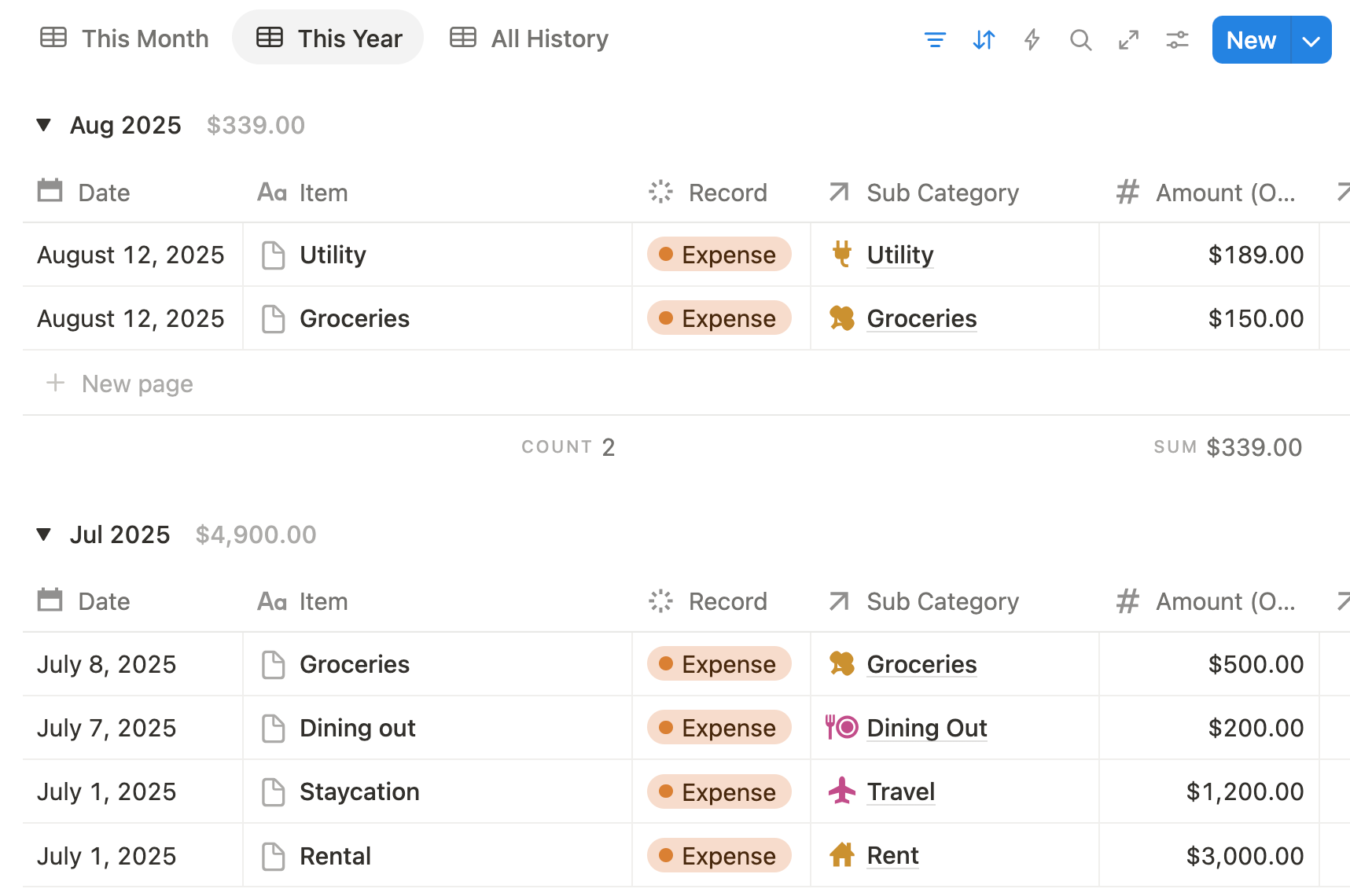
Step 4 — Track Daily Expenses
Log expenses in the connected Spending Tracker and watch your budget update in real time.
Step 5 — Review Monthly Performance
Use the dashboard and reports to see which categories stayed on track and where adjustments are needed.
The entire process is designed to stay lightweight enough for daily use while still giving you full financial visibility.
The Budgeting Planner is not sold separately.
It is a core module inside the Ultimate Notion Finance Template, which also includes:
All modules are interconnected — so your budget, expenses, and financial goals stay aligned in one complete system.
👉 Get Access to the Complete Finance System
No. The Budgeting Planner is included inside the Ultimate Notion Finance Template.
No. All calculations, rollups, and relations are pre-built.
Yes. The system supports multiple income entries and flexible allocation rules. For example, pay check, salary, dividends, online income, rental income, etc.
Yes. Both methods are supported and fully customizable.